



How to & troubleshooting
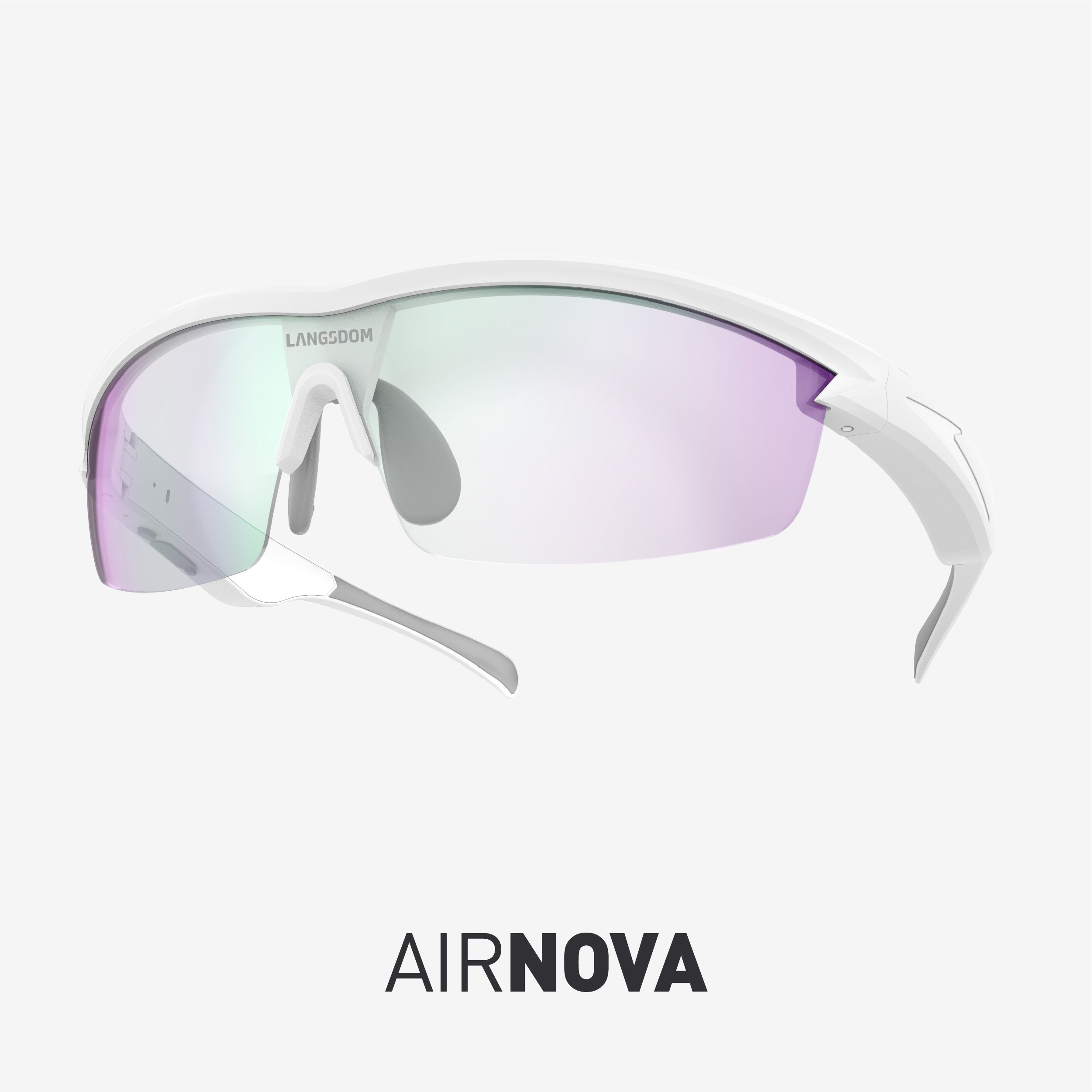
How do I connect my AirNova glasses to two devices simultaneously?
AirNova supports Dual-Device Connection. Follow these steps to set it up:
- Connect Device A: Pair the glasses with your first device, then temporarily turn off Bluetooth on Device A.
- Connect Device B: Turn on Bluetooth on your second device, search for "Langsdom AirNova" and connect.
- Reconnect Device A: Turn Bluetooth back on for Device A and select "Langsdom AirNova" from the list.
Both devices are now paired and ready for seamless switching.
Why can’t I connect my AirNova glasses to my device?
If you are experiencing connection issues, please reset the Bluetooth pairing record by following these steps:
- Power Off: Ensure the glasses are turned off.
- Reset: Press and hold the multi-function button for 5 seconds to clear the pairing history.
- Restart: Press and hold the button for 2 seconds until you hear the power-on prompt.
- Pair: Search for the glasses in your phone's Bluetooth settings to reconnect.
Tip: If the problem persists, "Forget" the device in your phone's Bluetooth menu before trying again.
CONTACT
Need Help? We’ve Got You Covered! If you have any questions or need help, our customer service team is here for you. We want to make your Langsdom experience as smooth as possible.
Live Chat: us.langsdom.com Email: support@langsdom.com
1-Year Warranty
All Langsdom products come with a 1-year warranty from the date of purchase. For warranty claims or help, contact our support team, and we’ll get it sorted for you.
SOCIAL
Follow us: Instagram, Facebook. Join us! 👋🏼👋🏻👋🏼